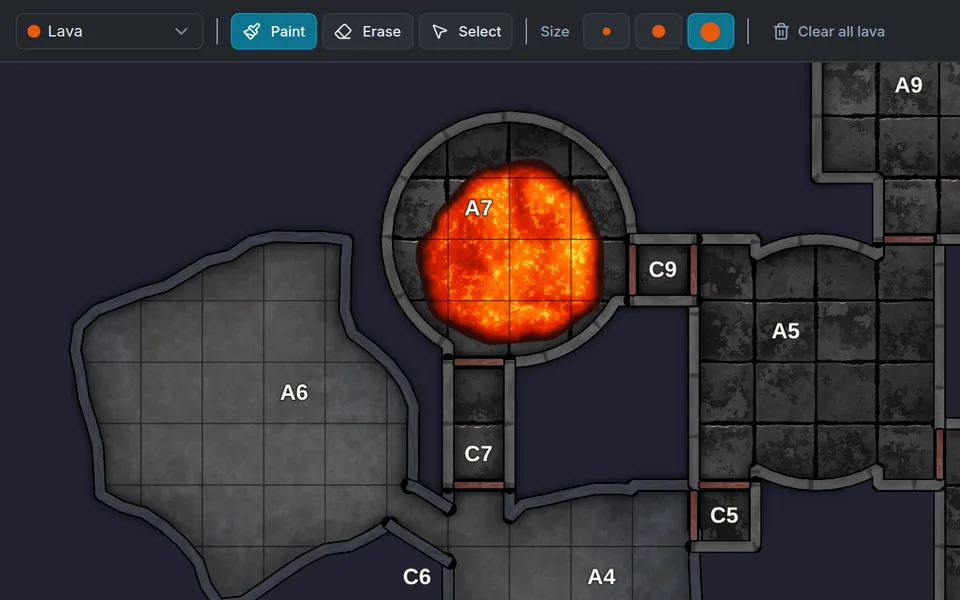
Pour in lava
Paint lava, water, blood, or toxic sludge. Liquids animate in the editor and in animated exports.

Dungeon Flow builds the map, room descriptions, encounters, traps, and treasure in seconds. Then furnish it with painted props, paint in lava and water, and light the braziers until it's the dungeon you imagined.
Try it now. No signup required.
“Dungeon Flow is the best random dungeon generator I’ve ever used, and I’ve used a lot of them in my 25+ years playing D&D.”

Every dungeon starts as a playable map populated with room descriptions, monsters, and treasure. With a free account, add lava, fog, torchlight, and painted props to fit your adventure.
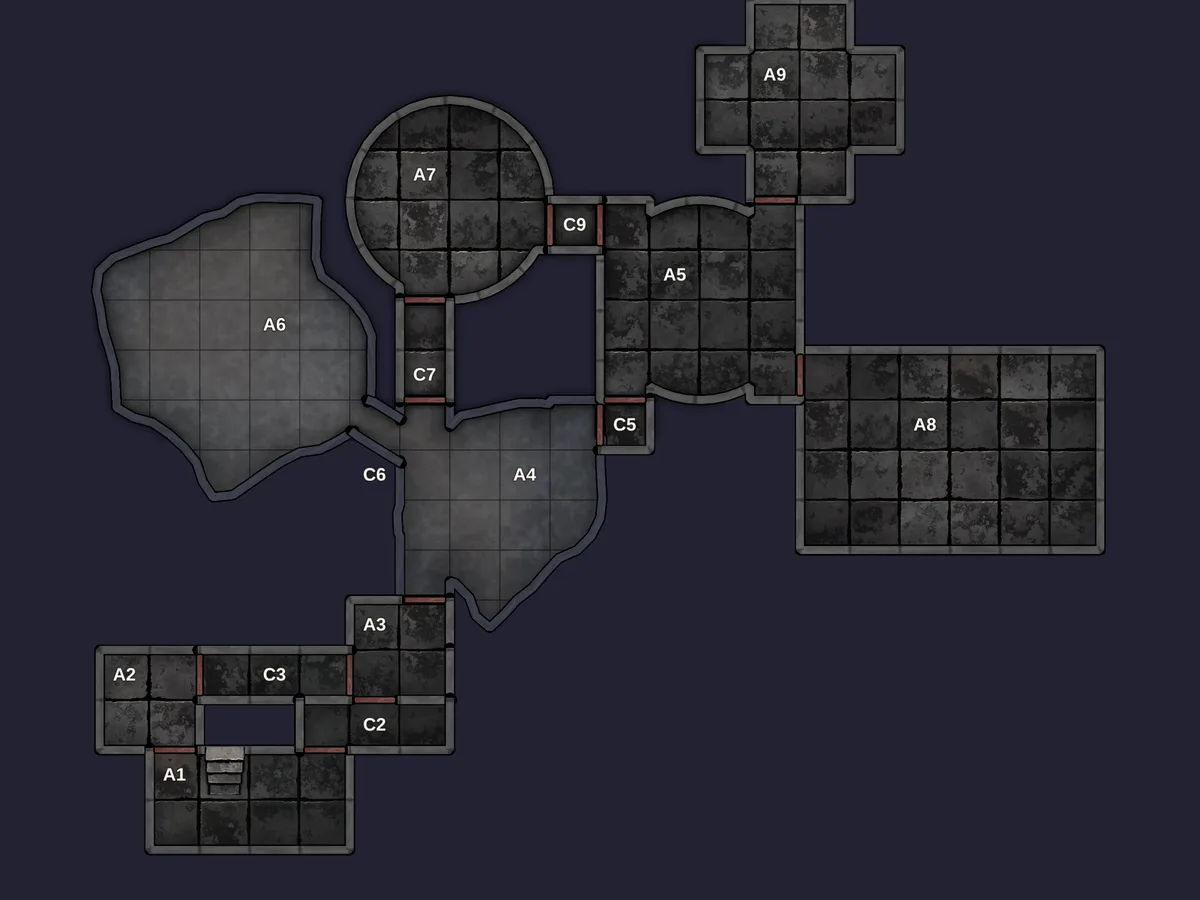
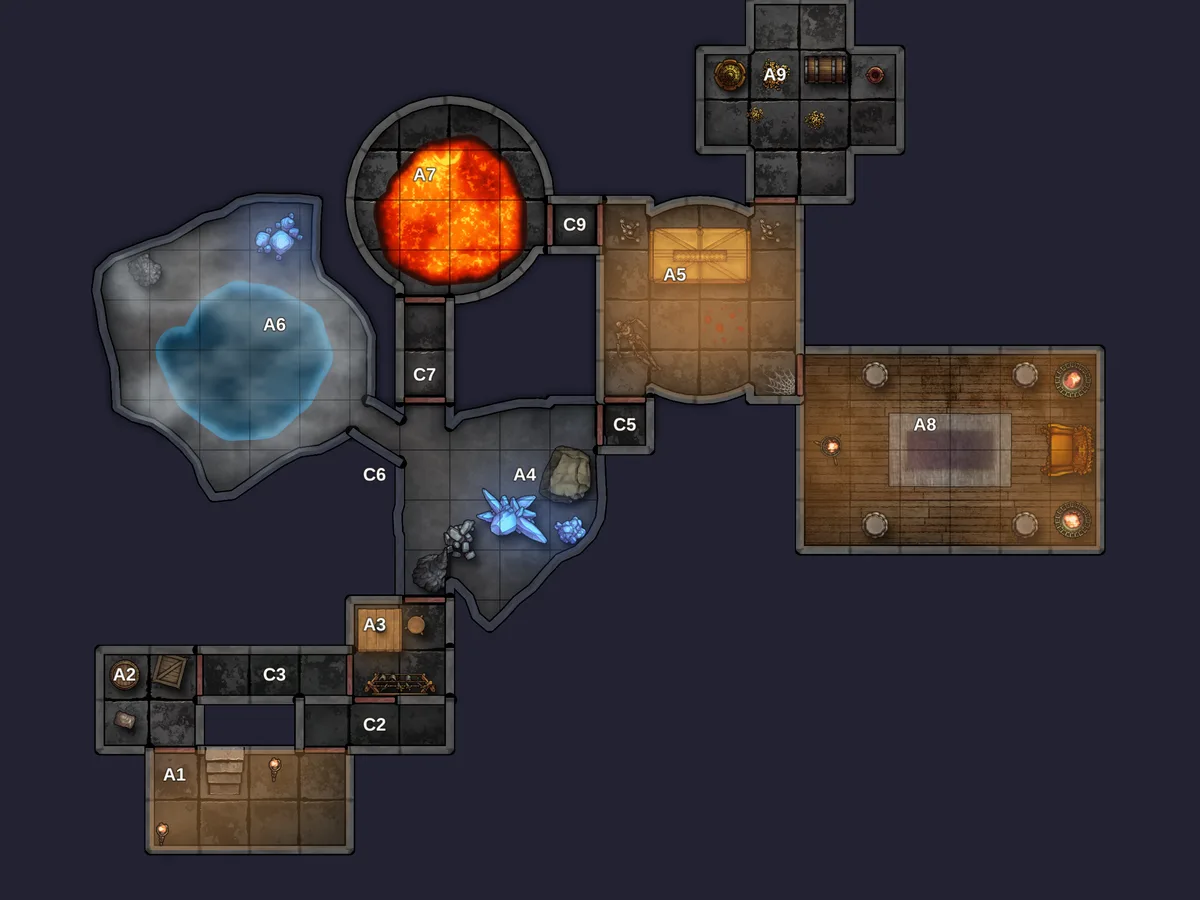
Paint lava, water, blood, or toxic sludge. Liquids animate in the editor and in animated exports.
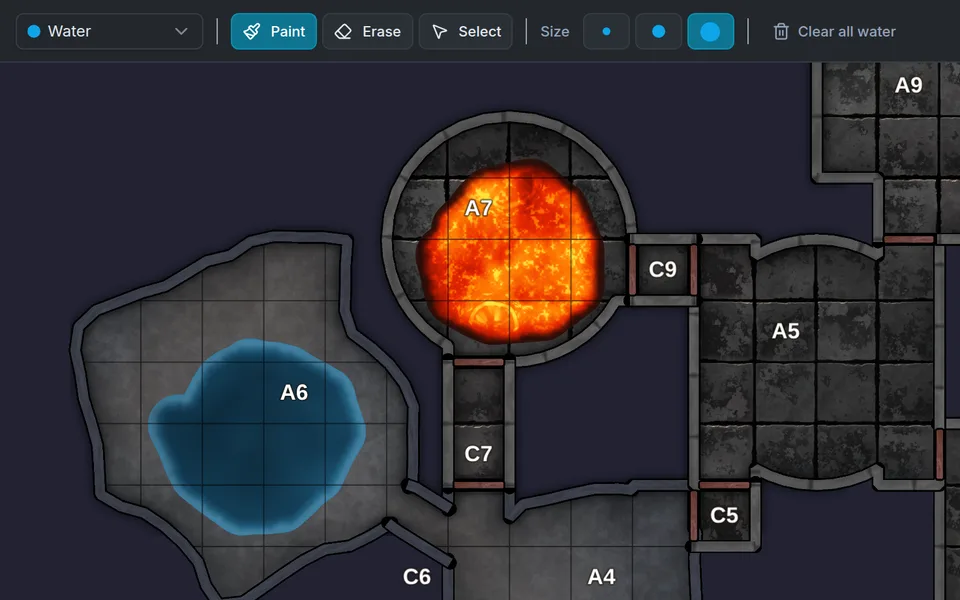
Brush in pools and flooded passages. They follow the floor, so walls and doors stay readable.
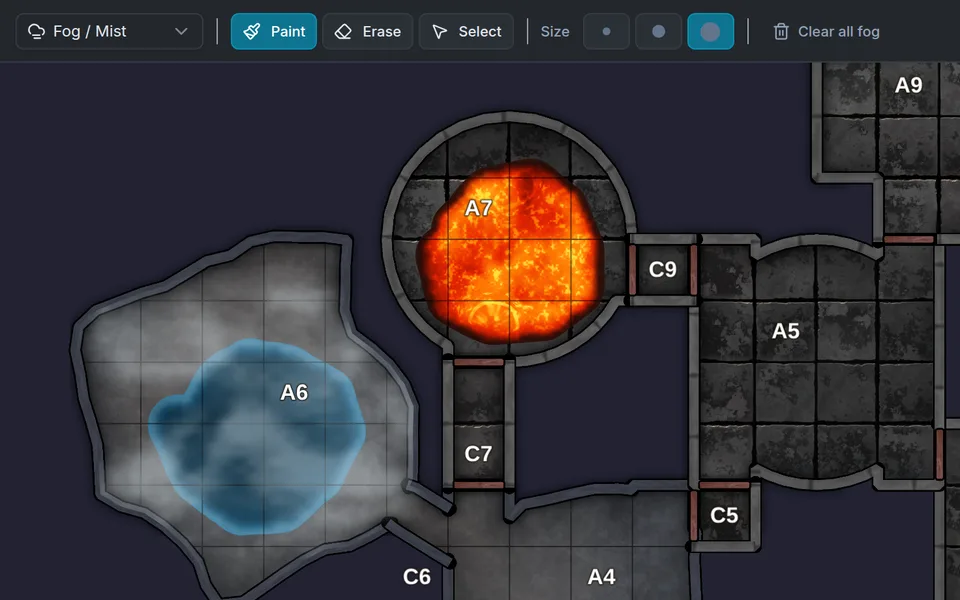
Drift fog through a cave. Smoke, embers, and floating motes are there too.
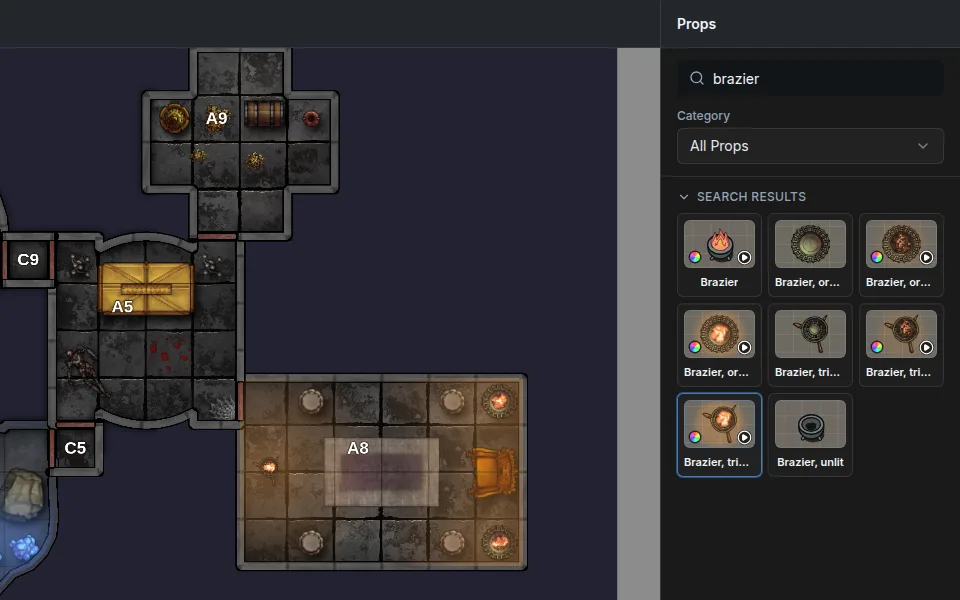
Choose from 150+ painted props. Braziers flicker, crystals glow, and coins glint.
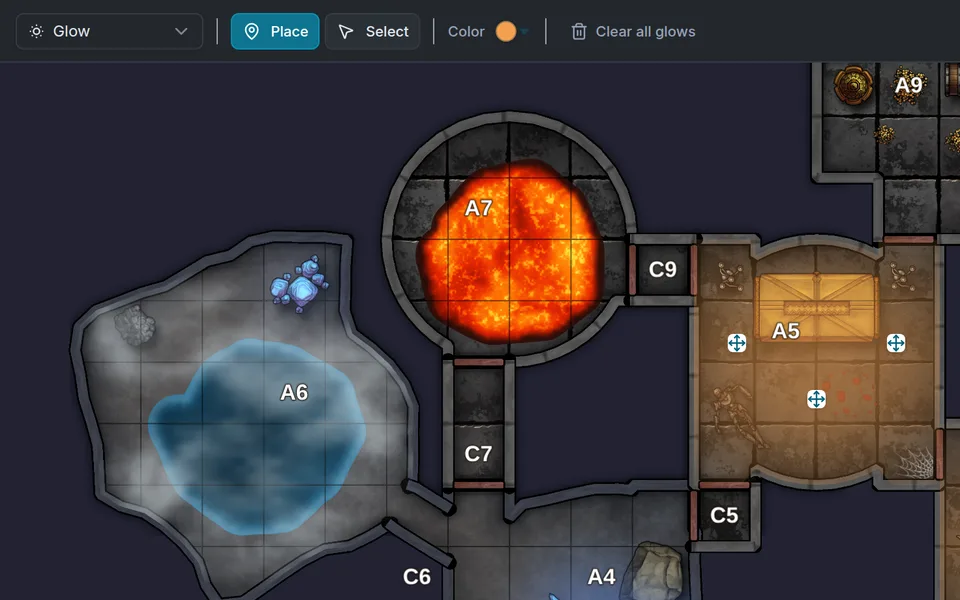
Place glows to paint torchlight and eerie magic into the map art.
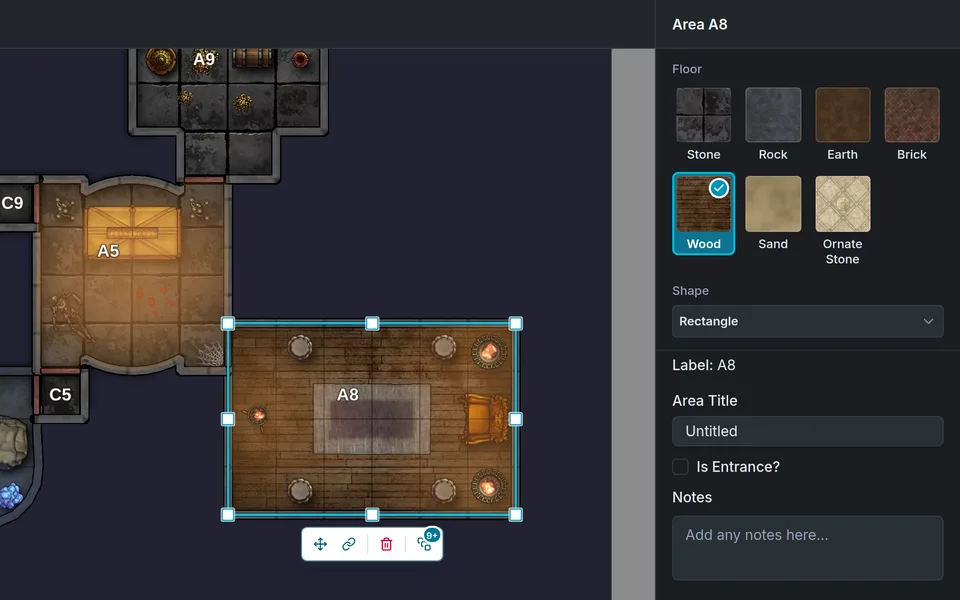
Swap stone for brick, wood, earth, sand, or rock, one room at a time.
Need to resize or reshape rooms and reroute corridors? That's in Pro for $5/month, along with animated map exports, 300 dpi images, and Foundry VTT import.
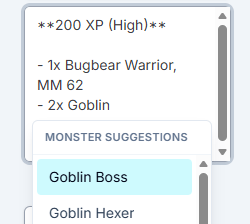
Swap in creatures from your system's bestiary.
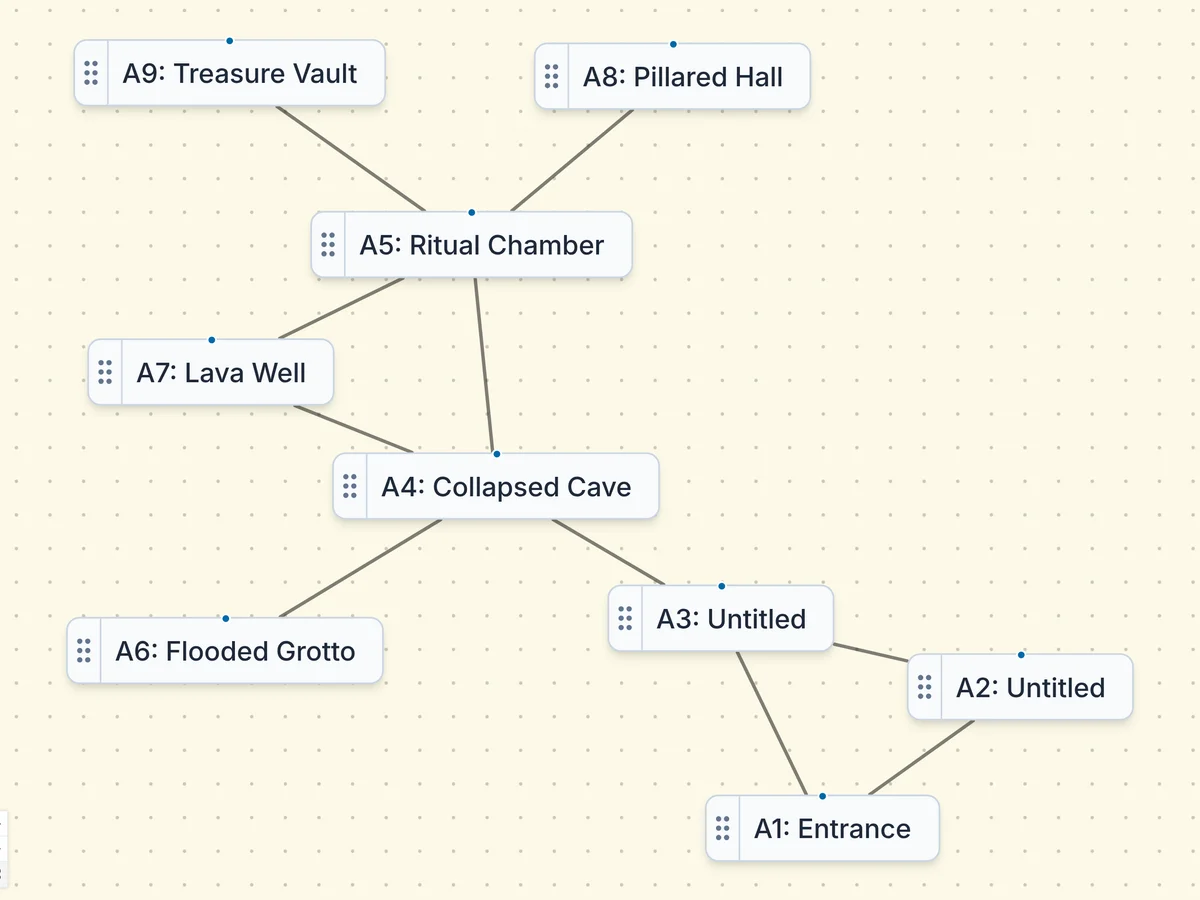
Lay out the rooms and connections your adventure needs in the Flow Editor: branches, loops, dead ends, and the order your players discover things. Dungeon Flow builds a map that follows it, and you can regenerate the layout until it fits.
When the adventure changes, change the flow. You don't have to redraw the map.
Prefer a classic look at the table? Switch any dungeon to Hand-drawn parchment or Shadowdark-inspired Dark & Gritty without regenerating it.
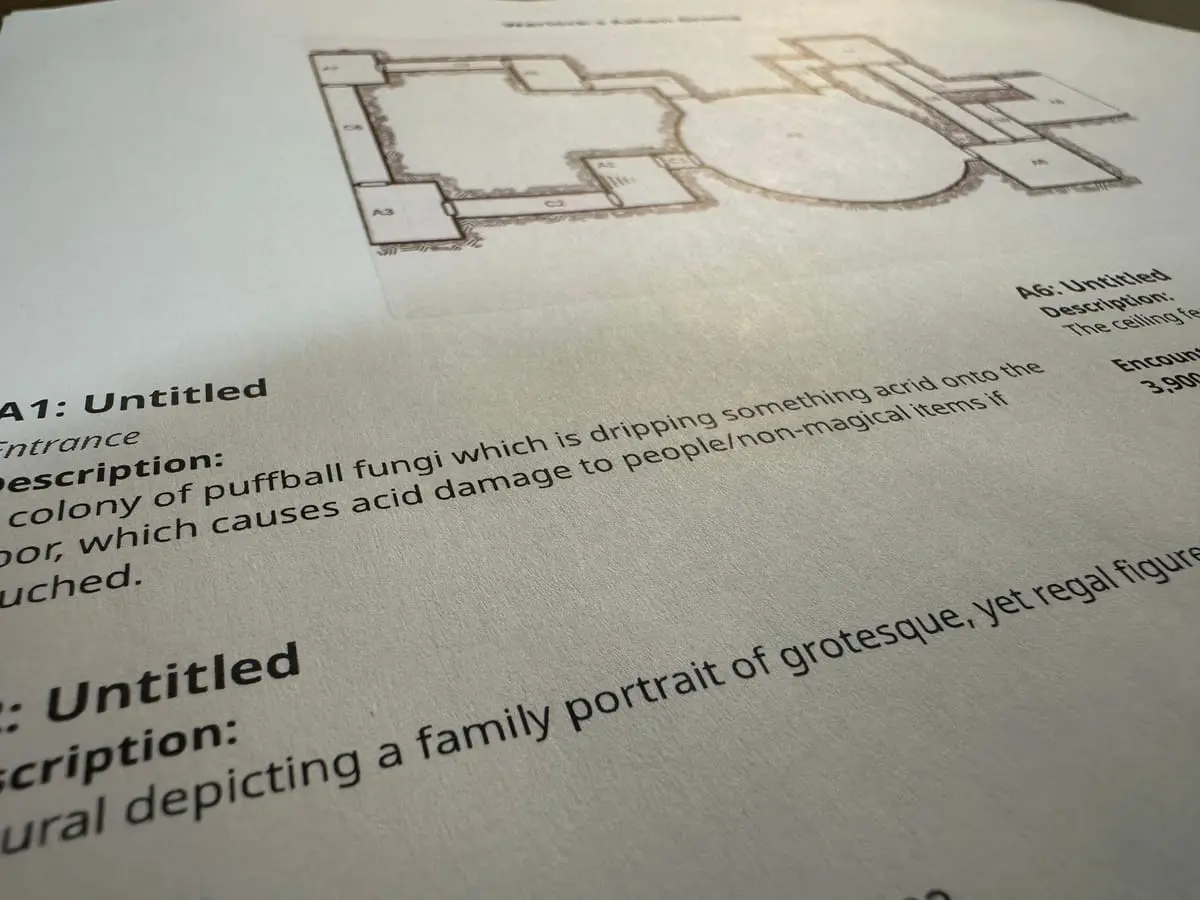
Print-ready PDFs
Print a multi-page map PDF you can tape together for in-person games, plus a DM reference sheet with a labeled mini-map and notes for every room.
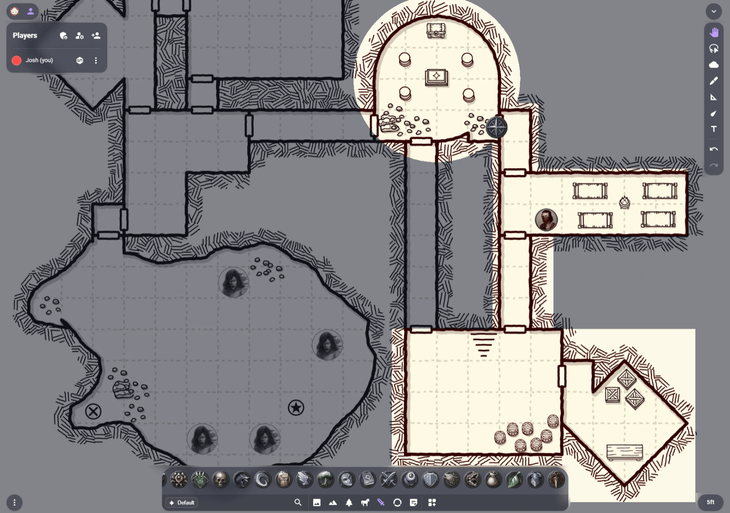
Maps for your VTT
Download PNG maps for any VTT, from Owlbear Rodeo to Roll20, or export animated maps with Pro for VTTs that support them.
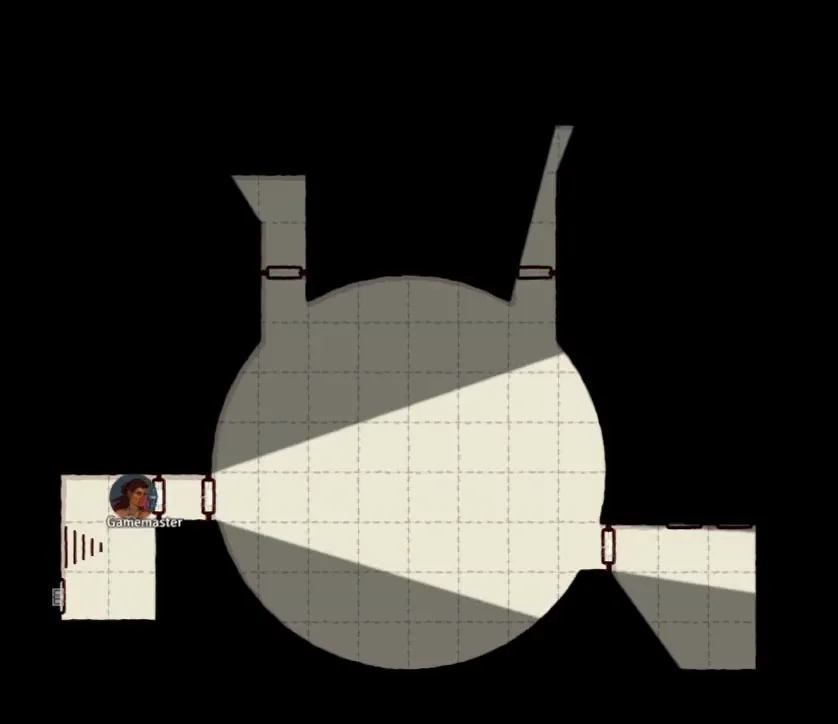
Foundry VTT import
ProThe module automatically aligns the grid, draws walls and doors for line-of-sight, and pins room details as journal entries.
Yes. Free includes the generator, graph editor, sensible map sizes, and exports you can use at the table. It is not a trial.
Many dungeon generators focus on creating a map. Dungeon Flow generates the dungeon prep too: room descriptions, encounters, traps, treasure, GM notes, and an editable room flow before you export or share.
No. Dungeon Flow builds maps and room content with procedural generation from hand-written rules and tables. There is no AI art or AI-written text in your dungeons.
You can generate and tweak dungeons for free without an account. A free account lets you save, dress up the map with 150+ painted props, liquids, fog, light, and floor textures, and export PDFs. Pro adds XL, Gigantic, and custom map sizes, advanced map editing, 300 dpi exports, and Foundry import/export.
Yes. Without an account, you can revise the flow graph, rewrite room details and notes, regenerate content, and move and delete rooms. A free account adds props, liquids, fog, light effects, and floor textures. Pro adds advanced map editing: resizing and reshaping rooms, moving corridors, and changing connection types directly on the map.
D&D 5e, Pathfinder 2e, and Shadowdark are supported with system-aware encounters, traps, and treasure.
Pro sends a Foundry scene with walls, doors, dynamic line of sight, and journal notes for room descriptions, traps, and encounters.
Hand-drawn, Dark & Gritty, Old School Blue, and Full-Color Painted are available in the editor and exports. Free exports include the selected style at 100 dpi with a watermark; Pro adds 300 dpi output and removes the watermark.
No. Dungeon Flow is not affiliated with or endorsed by Wizards of the Coast. Dungeons & Dragons®, D&D®, Beholder™, Mind Flayer™, Displacer Beast™, and related marks are trademarks or product identity of Wizards of the Coast LLC, used here only to identify monsters.
Skip the blank page and get straight to the fun part of prep. Generate your first dungeon for free. No account required.