Focus Mode: Full screen for the Overview tab
by Josh
Running a game from the Overview tab? Focus Mode hides everything except the map and room lists. The menu bar, tabs, and sidebar disappear, giving you the full screen for what matters during the session.
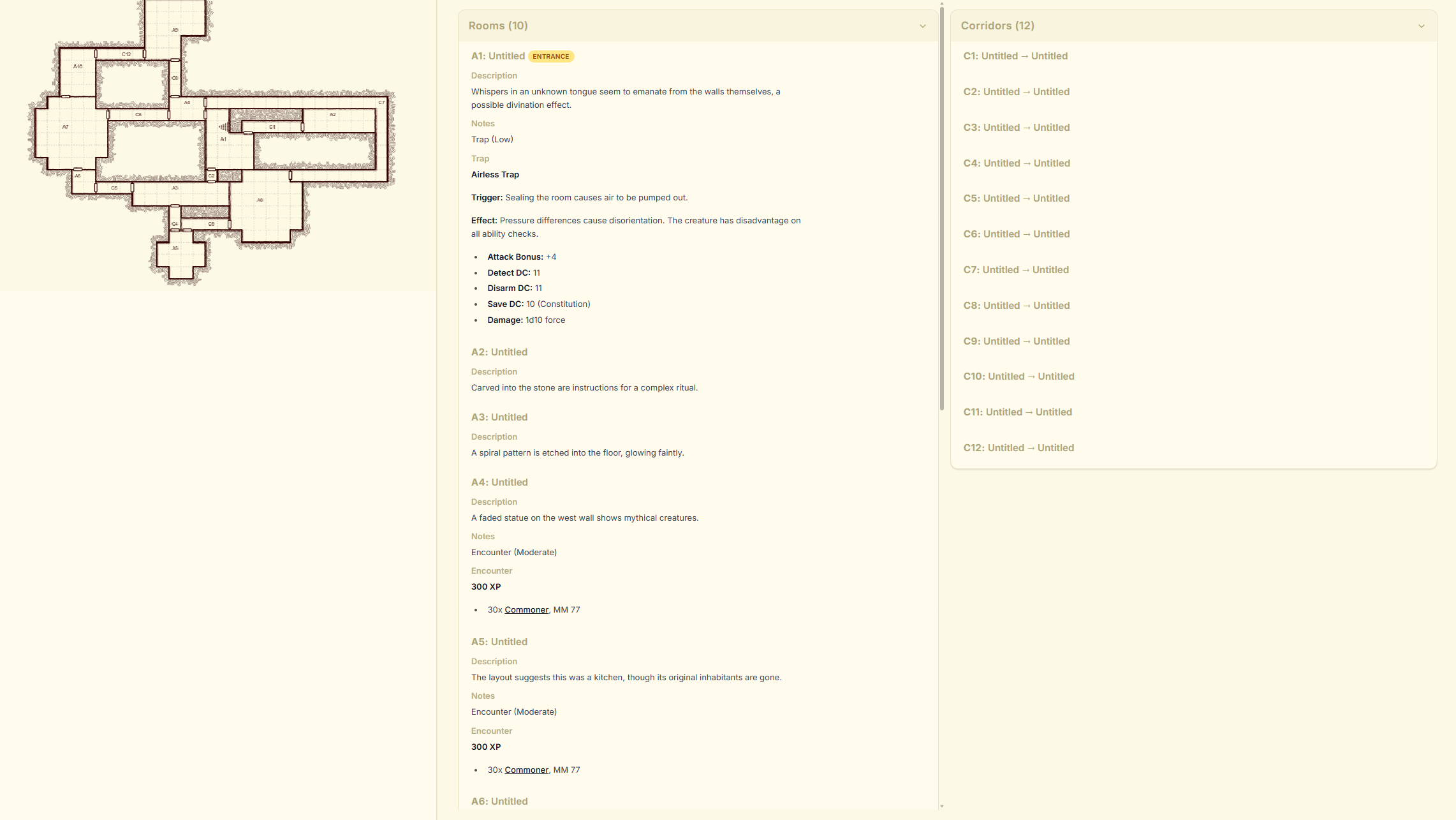
How to use it:
Press Ctrl+Shift+F (Windows/Linux) or Cmd+Shift+F (Mac) to toggle Focus Mode on and off. You can also find it in the View menu or the command palette.
Press Escape to exit Focus Mode and bring everything back.
All your keyboard shortcuts still work in Focus Mode. Hit Ctrl+K to open the command palette, Ctrl+G to jump to a room, or any other shortcut without exiting first.
Try it in your next session and let us know what you think on Discord or by contacting us.