Command Palette: Every Action at Your Fingertips
By Josh on October 30, 2025
When you're building a dungeon, every action should be quick. The command palette puts every editor action at your fingertips: type what you need, hit return, and keep working.
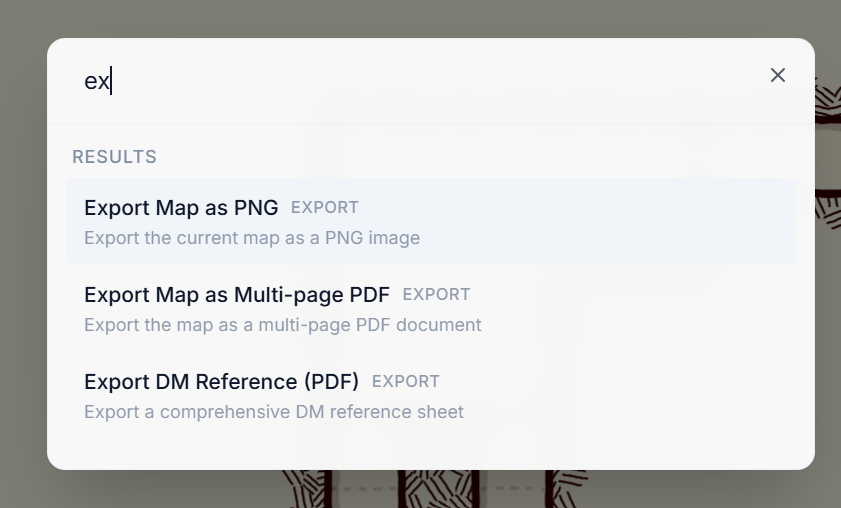
We just shipped the command palette to every Dungeon Flow account. Search for file management, undo and redo, exports, view switching, and help links. Keyboard shortcuts appear beside each action. The menu bar uses the same list, so shortcuts and availability stay in sync.
How to use it
- Open a dungeon in the editor.
- Press
⌘Kon Mac orCtrl+Kon Windows and Linux. Prefer a click? Choose Help → Command Palette…. - Start typing. Press return to run the highlighted command, or use the arrow keys to move through the list.
The palette respects context. If an action is available, it appears. If an action is disabled, like trying to export before generating a map, the palette shows it, explains why, and keeps you moving without guesswork.
Try it the next time you need to switch views, open a dungeon, or export a reference. If you have suggestions for more commands, post them in Discord or contact us.